
Cheapest AI API: 2026 Guide to Low-Cost Providers
Looking for the cheapest AI API? Our 2026 guide compares 10 low-cost LLM providers on price, performance, and features to save money on your next project.
The popular advice on the cheapest AI API is too simplistic. The lowest sticker price can still produce the highest bill once you factor in retries, long prompts, cached tokens, latency, and model mismatch. A team that routes everything through the absolute cheapest endpoint often ends up paying more in engineer time, worse outputs, and wasted tokens than a team that picks a slightly pricier model with better fit and stronger caching. The key question is not which API has the lowest list price, it's which one gives you the lowest total cost of ownership for your workload, your latency target, and your traffic shape.
In 2026, the market is crowded enough that “cheap” no longer means toy-grade. Budget tiers now sit in mainstream production, and some providers publish aggressive cache discounts, batch discounts, or high-throughput serving that changes the economics fast. For product teams, that means you can save real money, but only if you treat pricing, performance, and observability as one decision. The providers below are the ones I'd evaluate first when I'm trying to cut spend without creating a reliability problem.
Table of Contents
- 1. DeepSeek API
- 2. Groq Cloud
- 3. Cloudflare Workers AI
- 4. OpenRouter
- 5. Fireworks AI
- 7. Mistral AI first-party API
- 7. Mistral AI first-party API
- 8. Alibaba Cloud Model Studio DashScope International
- 9. SiliconFlow
- 10. Replicate
- Top 10 Cheapest AI APIs Comparison
- How to Actually Lower Your AI Bill A 3-Step Strategy
1. DeepSeek API
DeepSeek is one of the strongest answers when the goal is not just a low list price, but a low all-in bill on high-volume text workloads. Independent pricing roundups place its direct API at $0.07 per million input tokens, and one 2026 comparison notes that cache-hit tokens can go as low as $0.028 per million tokens on some variants, which is the kind of discount that changes TCO on prompt-heavy systems. The same budget-tier comparison places DeepSeek near the low end of the market, where a 1 billion input-token workload lands around $75 at $0.075 per million input tokens (cloudinsight pricing comparison, DeepSeek API).
Where DeepSeek works best
DeepSeek's value shows up in workloads with reusable prefixes, retrieval-heavy prompts, and long-running agent loops. OpenAI- and Anthropic-compatible endpoints make it easier to swap into existing SDK patterns, so the migration tax is usually lower than with a completely different interface. The 1M-token context and explicit context-cache pricing also make it practical for long documents and repeatable system prompts, especially when savings come from reusing retrieval context instead of chasing a lower model call alone.
Practical rule: if your prompt has a stable system prefix and recurring retrieval context, test DeepSeek before you touch your frontend copy or lower your output target.
What to watch before you commit
The trade-off is operational, not mathematical. Pricing can shift, so you need monitoring around the exact SKU you ship, and direct-to-vendor data policy review matters if your compliance posture is closer to a U.S. hyperscaler than to a cross-border model host. On the upside, this is one of the few providers where the cheapest path is still credible for production, not just experimentation. If you want the cost picture to stay visible as usage grows, pair the rollout with SpendLens AI workload attribution, so you can see whether savings came from model choice or from prompt trimming.
2. Groq Cloud
Groq earns a spot here because it changes both economics and latency. For asynchronous work, the Batch API reportedly cuts cost by about 50%, and that matters more than it sounds when you're running backfills, evaluation jobs, or offline enrichment pipelines. The provider also supports prompt caching, which helps on repetitive prefixes, but the published guidance says cached-token discounts don't stack with the batch discount, so your routing logic has to choose the better path per job. Groq also advertises a large free tier of 14,000 requests/day, which is useful for prototyping and internal validation (Groq pricing and batch overview, Groq Cloud).
Why Groq is more than a cheap model host
Groq's strength is that fast serving can reduce the wall-clock cost of an AI pipeline, even when the per-token number looks similar to other budget options. If your team runs summarization, extraction, or classification in a chained workflow, lower latency can shorten queue time, reduce retries, and make the whole system easier to operate. A cheaper token rate is nice. A cheaper request that finishes fast and predictably is often better.
The model catalog skews toward open models, which is fine if your workload fits that shape. It's less ideal if you're anchored to a proprietary frontier model. That's the core filter here, not just price. Groq can be the cheapest practical route for one task and the wrong choice for another.
Where the savings show up
For teams that batch large jobs overnight, Groq can turn expensive wall-clock processing into something much easier to budget. The free tier also gives product and ML teams a low-friction way to benchmark prompt changes before they put spend behind them. If you're tracking this at scale, SpendLens AI cloud cost management helps surface whether the savings came from batch routing or from lower token counts, which matters when you're explaining bill changes to finance.
3. Cloudflare Workers AI
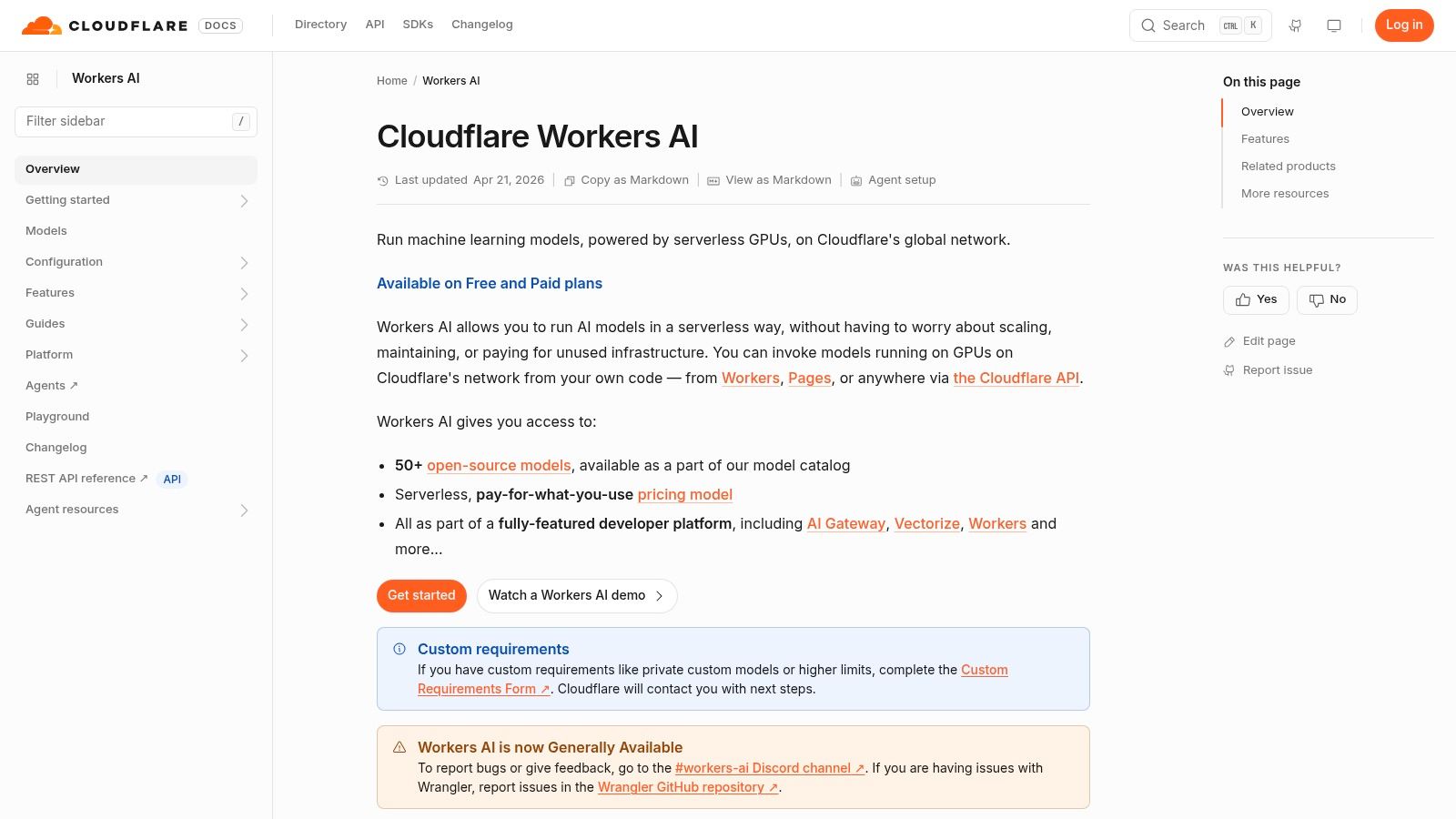
Cloudflare Workers AI is interesting because it treats inference like an edge-native utility instead of a separate infrastructure project. That matters when users are spread across regions, because edge deployment can cut the latency penalty of serving from a distant location. It also gives teams a broad catalog, including text, embeddings, image, and audio models, so more of the AI stack can sit under one billing model (Cloudflare Workers AI).
Where the economics get compelling
Workers AI shows up in cheapest-api conversations because the billing is easy to reason about once you read the fine print. Cloudflare prices per model token and also applies a Neurons meter, with a free daily Neuron allocation on Free and Paid Workers plans. For engineering teams, that creates a low-friction way to test small workloads before adding another vendor to procurement. For lower-end models, the published rates can sit very close to the bottom of the market, especially when the task does not need a frontier model.
The edge deployment model also matters for user experience. If your app serves globally distributed users, lower latency can reduce abandoned interactions and keep AI features feeling local instead of remote. That is not a direct token saving, but it belongs in TCO because a faster feature tends to get used more cleanly and generate fewer support issues.
Practical rule: if your app is already on Cloudflare, Workers AI is often the cheapest way to add small AI features without adding a new infra layer.
The trade-off
The learning curve comes from the billing abstraction, not the API shape. Your team still has to compare Neurons, per-model tokens, and any cache pricing before calling something cheap. Per-model performance can vary as well, so the right test is task-specific benchmarking rather than broad vendor preference. If you need to prove that a low-cost edge model is cheaper in production, pair the rollout with SpendLens AI endpoint monitoring so spend is tied to the exact feature path.
4. OpenRouter
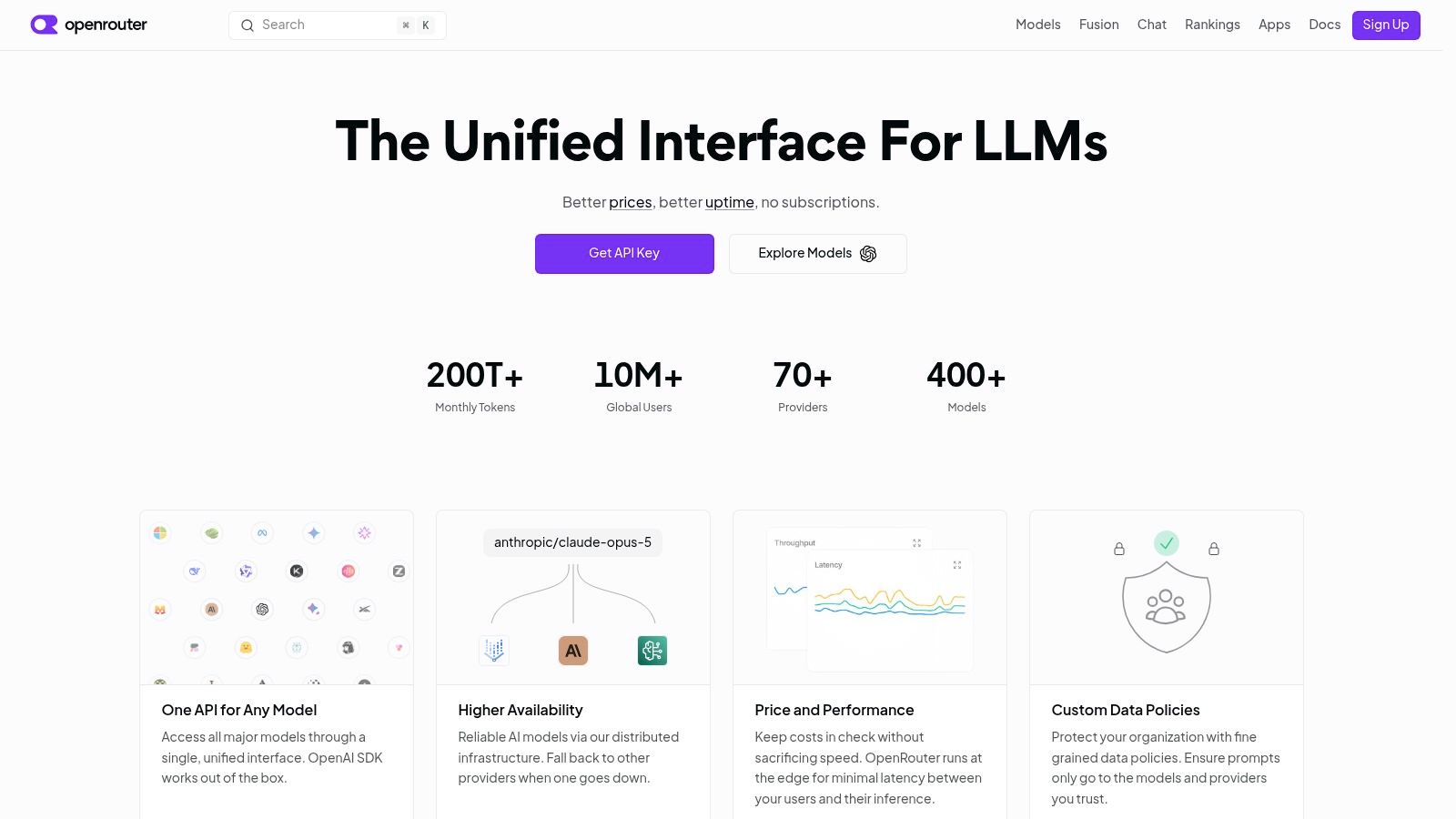
OpenRouter is the pragmatic choice when the best cheapest AI API is not a single vendor, but a routing layer across many vendors. Its value is simple, pick the cheapest route per task and keep an escape hatch if the preferred model gets overloaded or unavailable. The platform's “no markup” position on provider list prices makes it especially useful when you want a comparison layer rather than another pricing guesswork problem (OpenRouter, OpenRouter pricing and routing notes).
Why routing often beats loyalty
A lot of AI spend waste comes from teams picking one vendor and staying there even after a lower-cost alternative becomes viable for the same task. OpenRouter makes that comparison more operational. You can move between providers, use fallback routing to protect uptime, and opportunistically use free or low-cost routes when they're available. That is especially useful if you run mixed workloads, where one endpoint handles simple classification and another handles deeper reasoning.
There's also a hidden benefit for experimentation. Instead of rewriting client code every time you want to benchmark a new model, you can keep the same interface and compare behavior across candidates. That shortens time to decision, which is real savings when engineering cycles are the scarce resource.
The cheapest model on paper is often the wrong answer if your platform team can't observe when routing changes the underlying SKU.
The thing to verify
Promotions on a vendor's own platform don't always carry over through the router, and fallback logic can land on a more expensive model if the target one is unavailable. That means routing is a cost-control layer, not a guarantee of savings. Used well, though, it's one of the cleanest ways to avoid vendor lock-in on price. If you're already watching OpenAI traffic and want to compare routes against your current patterns, SpendLens AI for completions-style tracking gives you a practical baseline.
5. Fireworks AI
Fireworks AI is strongest when your team wants serverless inference without giving up too much control over model selection. The platform publishes per-model rates, supports zero-cold-start deployments, and exposes dedicated deployment and fine-tuning paths when you outgrow shared capacity. That makes it a sensible middle ground between simple hosted APIs and heavier self-managed setups (Fireworks AI).
Where Fireworks fits in a cost plan
For spiky workloads, serverless pricing is often easier to justify than standing infrastructure. You pay for the traffic you have, not the capacity you hope to use later. That is a major advantage for startups and product teams with uneven demand, especially when usage can jump after a launch or seasonal campaign.
The other advantage is catalog breadth. If your application needs several open models for different tasks, Fireworks lets you keep the billing model relatively uniform while still choosing SKUs per use case. That makes it easier to run cost comparisons without building a custom deployment pipeline for each model family.
What you still need to test
Per-model rates vary by hardware and deployment path, so you have to pin the exact SKU before you call it cheap. That sounds obvious, but it's where a lot of teams lose money. The wrong assumption is usually not that the model is expensive, it's that the team assumed the test SKU matched production.
Fireworks is a solid choice when you want price transparency and room to grow into dedicated deployments later. It's less compelling if your workload depends heavily on a single vendor promotion or a very specific caching behavior. That's where ongoing cost visibility matters, and why teams using it should keep SpendLens AI cost attribution in the loop from day one.
7. Mistral AI first-party API
Mistral's first-party API deserves a close look because direct vendor access removes some of the uncertainty that comes with marketplace routing. The pricing page and console expose usage metrics and admin APIs, which gives finance and platform teams a clearer view of spend as usage grows. Public pricing also places Mistral in a competitive position for smaller and mid-tier models, especially next to flagship pricing elsewhere (Mistral pricing).
Why first-party access still matters
Buying directly from the model maker changes the cost and support equation. You usually get fewer moving parts when you need help, clearer rate-limit expectations, and a more straightforward procurement path. For engineering teams, that can matter more than a small difference in raw token pricing.
Mistral also has a reputation for a strong quality-cost balance on code and general-purpose tasks. That matters because the cheapest model is not always the least expensive option in practice if it needs more retries, more prompt tuning, or more output cleanup to reach the same business result. A model that saves cents per call can still raise total spend if it burns engineering time or increases failure handling.
Practical rule: if a model is cheap but your team has to spend a week tuning prompts just to get stable outputs, the real bill is higher than the API invoice.
For teams comparing several vendors, a broader model shortlist helps separate sticker price from operational cost. A useful starting point is this comparison of the best AI LLM APIs by cost and quality, since the cheapest API on paper is often not the cheapest one after retries, quality checks, and support overhead are included.
Where Mistral fits in a cost plan
Mistral works well when you want direct access, predictable vendor relationships, and a model family that can cover more than one workload. That makes it a practical option for teams that care about procurement clarity as much as token pricing. It is a stronger fit when your usage is steady enough to benefit from direct integration, but varied enough that you need to test how each model behaves on real prompts.
The total cost of ownership case is strongest when you treat Mistral as part of a measured rollout, not a one-line item on a pricing sheet. Track prompt shape, retries, output length, and the amount of engineering time spent getting stable behavior. That is the difference between a model that looks cheap and one that stays cheap once it is in production.
7. Mistral AI first-party API
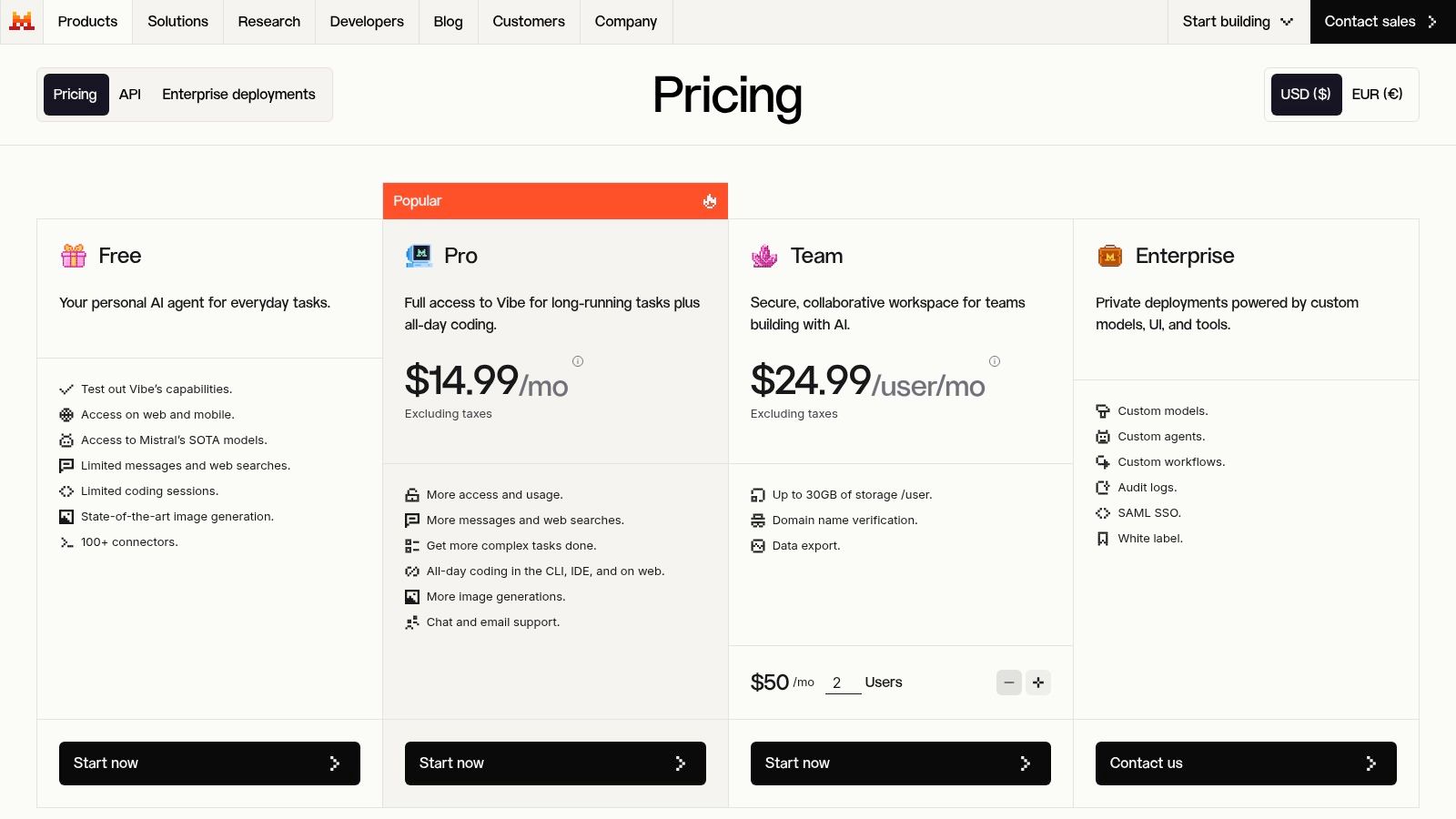
Mistral's first-party API is worth attention because direct vendor access removes some uncertainty around SLAs and usage support. The pricing page and console give you usage metrics and admin APIs, which is the kind of operational visibility finance teams appreciate once spend starts growing. The public pricing information shows a competitive position on smaller and mid-tier models, especially when you compare it with high-end flagship pricing elsewhere (Mistral pricing).
Why first-party access still matters
There's a real difference between buying a model through a marketplace and buying it directly from the model maker. Direct integration usually means fewer moving parts when you need support, clearer expectations on rate limits, and a more straightforward story for procurement. For engineering teams, that often outweighs a tiny raw price difference.
Mistral also has a reputation for a good quality-cost balance on code and general tasks. That's useful because the lowest-cost model is not always the cheapest if it needs more retries, more prompt engineering, or more output trimming to hit the same business result.
Practical rule: if a model is cheap but your team has to spend a week tuning prompts just to get stable outputs, the model wasn't cheap.
Where it can lose
Some smaller third-party OSS deployments may undercut it on raw price, so Mistral is not automatically the floor. What you get instead is a strong mix of vendor accountability, console visibility, and a cleaner operating model. That can be worth more than a few cents per million tokens once you're managing production traffic. If you're comparing Mistral to the rest of your stack, SpendLens AI model-switch analysis helps quantify whether direct vendor usage is better than a routed or open-model alternative.
8. Alibaba Cloud Model Studio DashScope International
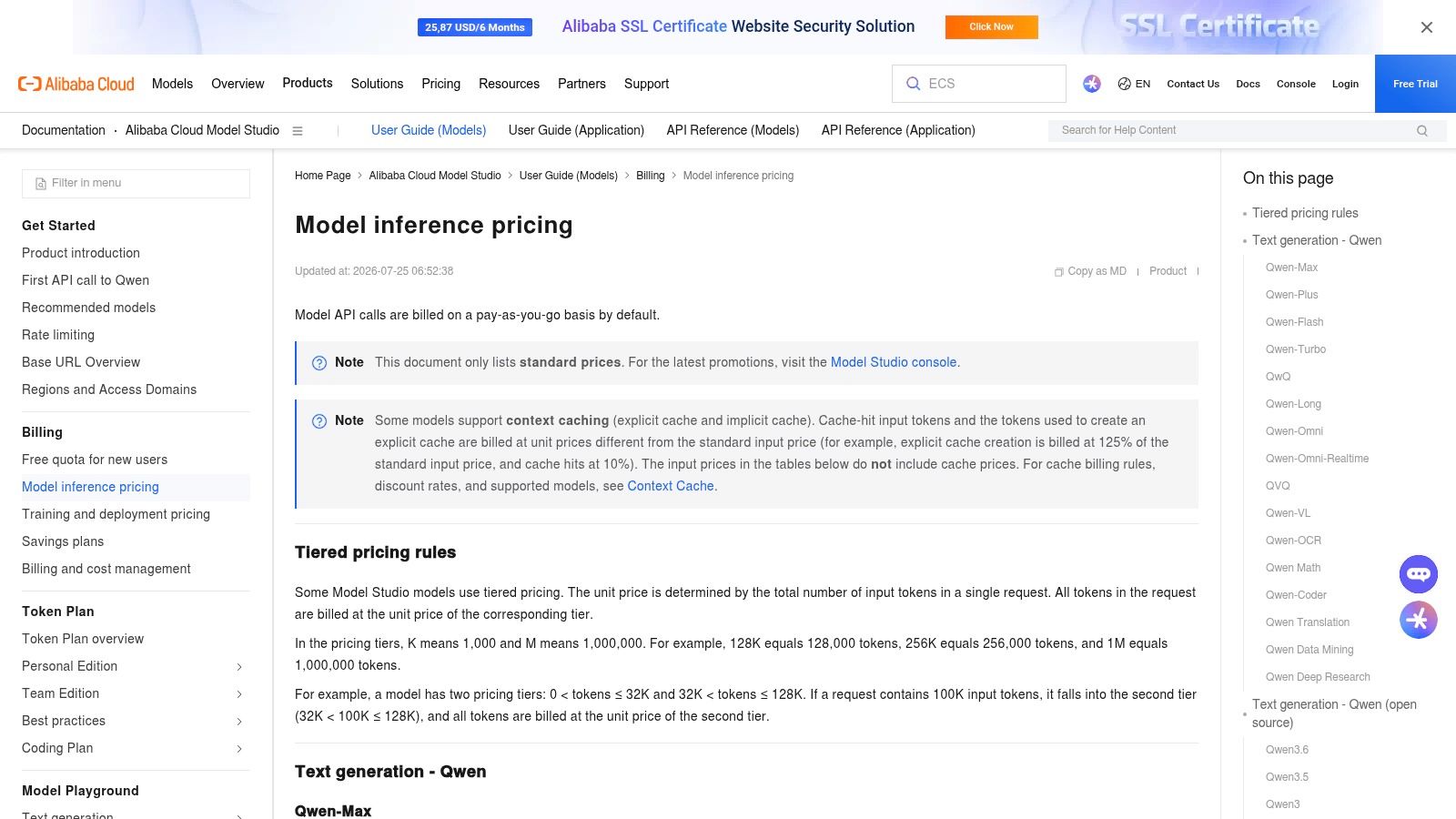
Alibaba Cloud Model Studio, via DashScope international access, is one of the clearest examples of how regional providers can undercut Western hyperscalers on list price while still offering serious production tooling. The documentation is explicit about per-model pricing, tiering, context-cache discounts, and regional base URLs, which makes it easier to do real planning instead of guessing. That clarity is a big deal for teams trying to understand the true cost of a cheapest AI API choice (Alibaba Cloud Model Studio pricing).
The upside of regional pricing clarity
This platform is attractive when you care about both cost and documentation quality. The model studio has OpenAI- and Anthropic-compatible endpoints, which lowers integration friction, and the pricing docs are organized enough that teams can trace what they'll pay before shipping. That helps finance, but it also helps engineers because there's less ambiguity about which prompt size maps to which rate.
The presence of cache-hit discounts is especially useful for structured prompts and retrieval systems. If your product repeatedly sends the same instruction blocks, a cache-aware provider can materially improve spend efficiency without changing the product experience. That's where the total cost story starts to matter more than the headline number.
What to verify before rollout
Regional considerations and billing keys per region can complicate compliance and data residency work. Some promotions are also time-limited, so you should confirm the current list price before you anchor a business case on it. Alibaba Cloud is a strong option for teams who can handle that complexity and want aggressive pricing with visible rules. For teams already trying to centralize spend across multiple vendors, SpendLens AI tracking for multi-provider bills can keep the economics visible when the billing surface gets messy.
9. SiliconFlow
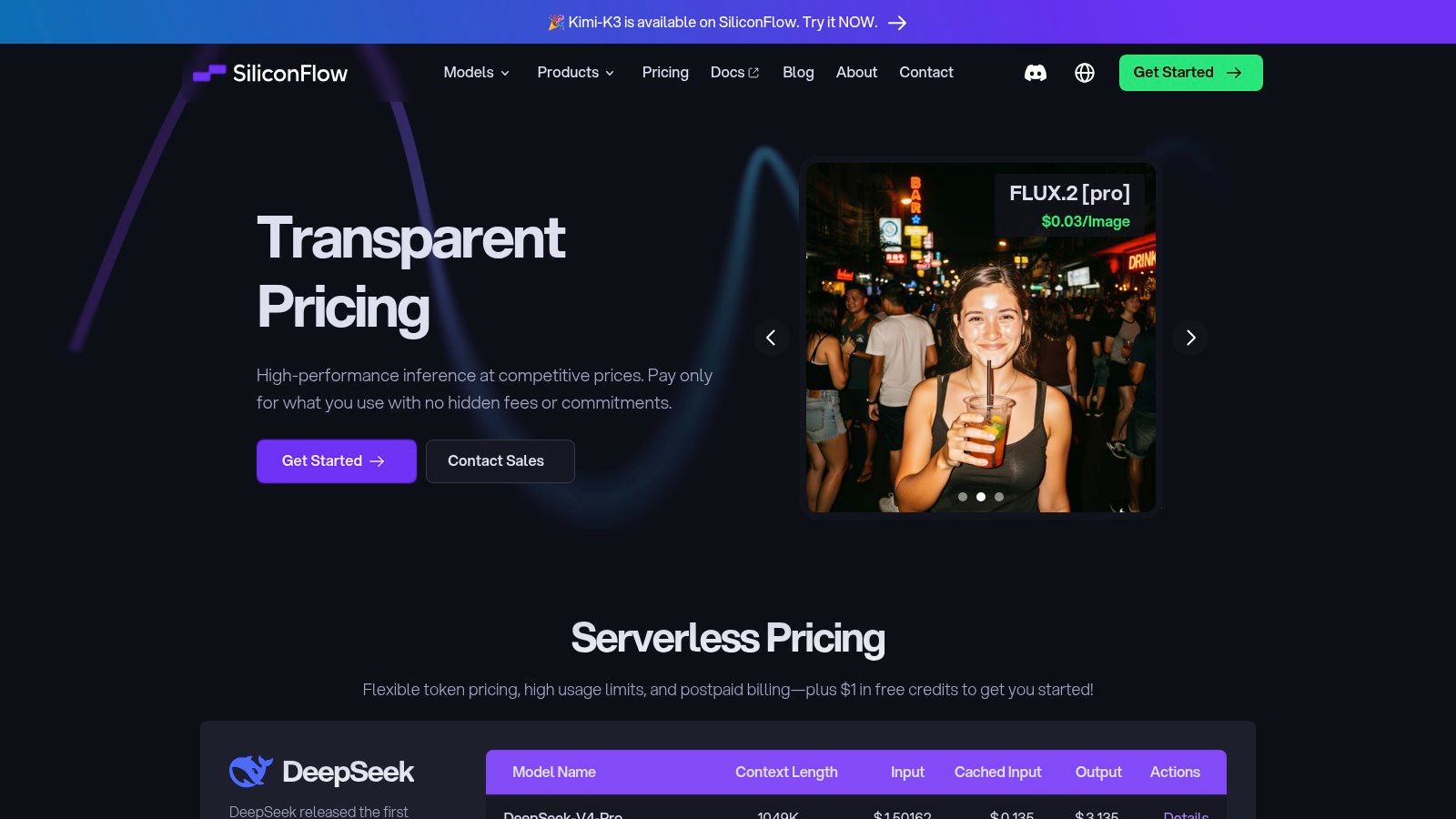
SiliconFlow is a practical low-cost gateway for teams that want access to DeepSeek, Qwen, GLM, and other model families through a single OpenAI-compatible API. The value is not only in lower unit prices. It also lets teams test cheap alternatives quickly without wiring up separate integrations for each vendor, which saves engineering time and reduces the cost of experimentation (SiliconFlow pricing).
Why aggregators matter in practice
The main savings from a multi-model aggregator come from comparison speed. You can pin the exact SKU, test it against your workload, and move on without rewriting your stack. For extraction, summarization, and other routine tasks, that makes it easier to replace a premium model with something cheaper when the quality gap is small enough to accept.
SiliconFlow also gives you transparent pay-as-you-go token pricing and high usage limits. That matters for teams that do not want a cost experiment blocked by traffic ceilings. If you are operating without a direct vendor relationship, this kind of routing layer is often the fastest way to learn whether a lower-cost model can hit your latency and quality thresholds.
The warning label
Catalogs and prices can change, so pin the exact SKU you plan to use. Cross-border compliance and data transfer still need review, which is not a small issue for enterprise workloads. SiliconFlow works best when speed of experimentation comes first and you are willing to do the diligence before standardizing on it, especially if you are tracking endpoint behavior with SpendLens AI endpoint monitoring.
10. Replicate
Replicate is the most flexible option in this list if you care about hardware-level cost control and access to niche OSS models. It offers public models with per-token or per-asset prices, plus bring-your-own-model support through Cog and autoscaling. That makes it useful when the goal is not just low spend, but being able to shape the infrastructure around the workload itself (Replicate pricing).
Where Replicate saves money
If your workload is unusual, niche, or image-heavy, Replicate can be cheaper than trying to force a generic LLM host into the wrong shape. The hardware transparency helps engineering teams understand what they're paying for, instead of treating every model call as a black box. That can make cost modeling much more realistic for one-off tasks and custom deployments.
It's also a good place to access community-updated models quickly. That matters for teams testing new OSS releases without wanting to commit to a full deployment pipeline. The payment model is close to infrastructure reality, which is why it's often attractive to builders who want maximum control.
The trade-off
Effective token price varies by model and hardware, so you have to estimate carefully. Latency and throughput may also lag behind custom-optimized providers for the same model. Replicate is powerful, but it rewards teams that are willing to do the math and watch the metrics instead of assuming every low-cost model is automatically the right one.
If you're already juggling several endpoints, SpendLens AI endpoint monitoring for AI workflows helps you see which model and hardware choices are lowering spend, not just changing where the bill appears.
Top 10 Cheapest AI APIs Comparison
| Provider | Core features | 💰 Pricing & value | 👥 Best for | ✨ Key differentiator / 🏆 | ★ Quality / Performance |
|---|---|---|---|---|---|
| DeepSeek API | 1M-token context, OpenAI/Anthropic-compatible, context-cache pricing | Very low per-token; big cache discounts 💰 | Retrieval-heavy templates & high-throughput apps 👥 | ✨ Massive 1M context + explicit cache discounts 🏆 | ★★★★ high throughput |
| Groq Cloud | Groq LPU inference, token pricing, Batch API, prompt caching | Low per-token; Batch ≈50% off 💰 | Latency-sensitive pipelines & batch jobs 👥 | ✨ Extremely fast tokens/sec; strong batch economics 🏆 | ★★★★ ultra-fast throughput |
| Cloudflare Workers AI | Edge serverless, per-model pricing, Neurons meter, wide model catalog | Low per-M token for small/medium models; free tier 💰 | Globally distributed low-latency apps 👥 | ✨ Edge deployment + transparent pricing 🏆 | ★★★ variable per-model, low latency |
| OpenRouter | Aggregated OpenAI-compatible API, auto-routing, BYOK plans | “No markup” routing; opportunistic cost savings 💰 | Teams comparing many vendors/models 👥 | ✨ One API to compare/route dozens of models 🏆 | ★★★ depends on upstream providers |
| Fireworks AI | Serverless per-token, large catalog, zero cold-start, dedicated options | Competitive per-M token; SKU-dependent 💰 | Spiky workloads & scale-out services 👥 | ✨ Zero cold-start + dedicated/fine-tune options | ★★★ scalable |
| Together AI | Open-source catalog, batch inference, fine-tune/BYOW | Good cost/quality mix; batch discounts 💰 | Tuning/serving OSS models and evals 👥 | ✨ Broad OSS catalog + strong batch/eval support 🏆 | ★★★ balanced |
| Mistral AI (first-party) | First-party Mistral models, usage metrics, enterprise plans | Competitive for small/medium models; enterprise tiers 💰 | Teams needing vendor SLAs & direct integration 👥 | ✨ Direct vendor SLAs and admin tooling 🏆 | ★★★★ strong model quality |
| Alibaba Cloud Model Studio | Qwen + 3rd-party models, tiered pricing, cache discounts | Very competitive list prices; region-specific 💰 | Cost-sensitive regional/global deployments 👥 | ✨ Clear tiered pricing + context-cache discounts 🏆 | ★★★ value-oriented |
| SiliconFlow | Aggregates OSS/China models, transparent per-1M pricing, high limits | Often very cheap for specific SKUs 💰 | Trialing low-cost alternatives to frontier models 👥 | ✨ Wide cheap catalog + high rate limits | ★★★ price-focused |
| Replicate | Model marketplace, BYO deploys (Cog), hardware-level pricing | Per-second hardware pricing; granular control 💰 | Niche OSS models & infra-cost optimization 👥 | ✨ Hardware-level transparency & BYO deployments | ★★★ variable by model/hardware |
How to Actually Lower Your AI Bill A 3-Step Strategy
Picking the cheapest AI API is only useful if the savings survive contact with production. The same model can be cheap for one workflow and expensive for another, especially once you account for retries, output length, caching behavior, and asynchronous batch options. Teams that optimize only on list price usually miss the bigger lever, which is workload fit.
Start with model matching. Don't use a high-reasoning model for simple classification or summarization when a lighter model can do the job. For example, Groq's fast open-model serving is a better fit for some summarization paths than a premium frontier model, while a more capable model belongs on more complex agentic workflows. The savings here are not theoretical, because each avoided premium call lowers both token cost and the engineering time spent trimming prompts to rescue a bad model fit.
Then exploit provider-specific economics. Batch APIs, like the ones used by Groq and Together AI, can materially lower costs on offline jobs. DeepSeek and Cloudflare both make caching part of the cost story, and cache-aware prompts can be a major win when your system prompt or retrieval block repeats. If your workload is repetitive, the cheapest route is often not a different model, it's the same model used in a way that benefits from caching.
Finally, monitor continuously. The moment you add a second or third provider, the bill stops being a single number and becomes a set of overlapping cost drivers. That's where a developer-first observability tool like SpendLens AI becomes useful, because it attributes spend by project, provider, model, and workload, so you can see prompt waste, cache efficiency, and model-switch opportunities in one place. For engineering leaders, that turns AI spend from a monthly surprise into something you can manage with the same discipline you already apply to cloud cost. Start with one workflow, swap in one lower-cost alternative, and measure the before-and-after bill rather than trusting the list price.
If you're managing multiple AI providers and want the spend picture to stop living in separate dashboards, SpendLens AI gives you the attribution layer this market keeps missing. It shows which workflows are driving cost, where cache efficiency is leaving money on the table, and which model switches are likely to save you the most. If you want to lower your AI bill without losing visibility or control, visit SpendLens AI and start tracking your key cost drivers today.