
Anthropic API Cost: Pricing & Optimization Guide
Understand your Anthropic API cost in 2026 with our detailed guide. Get a full pricing breakdown and expert optimization tips to save money on your projects.
Your Anthropic bill usually looks simple until a feature starts working. A chatbot gets more traffic, a document workflow adds longer prompts, an internal agent begins looping through tasks, and suddenly the invoice is higher than anyone expected. The frustrating part isn't just the spend. It's not knowing which part of the system caused it.
That confusion happens because Anthropic pricing has a few levers that don't look dangerous at first glance. Model choice matters. Output length matters more than many teams expect. Long context rules changed. Batch processing and prompt caching can cut spend sharply, but only if your workload fits them. Fast mode can also turn a reasonable budget into an expensive one.
If you're trying to estimate Anthropic API cost before a rollout, or explain a bill after one, you need a mental model that's closer to cloud cost analysis than simple SaaS subscription pricing. Every request has ingredients, and each ingredient affects the final charge differently. Once you can see those ingredients, cost stops feeling mysterious and starts becoming manageable.
Table of Contents
- Introduction to Anthropic API Cost
- Understanding the Key Concepts
- Anthropic API Pricing Model Breakdown
- Tokenization and Billing Mechanics
- Worked Examples for Cost Estimation
- Comparing Anthropic API Cost with Other Providers
- Actionable Cost Optimization and Monitoring with SpendLens AI
- Conclusion and Next Steps
Introduction to Anthropic API Cost
A common failure pattern looks like this. A product team launches a SaaS support assistant using Claude, then adds conversation history so replies feel smarter. A week later, finance asks why AI spend jumped even though traffic didn't rise much. The team checks request volume first, but the underlying causes are somewhere else: longer context, longer answers, and a model choice nobody revisited after the prototype.
That's why Anthropic API cost needs to be understood as a combination of what you send, what the model returns, and which pricing path the request uses. A short prompt with a long response can cost more than a long prompt with a short answer. A repeated system prompt can become much cheaper with caching. An async workflow can become cheaper with batch processing. The invoice reflects behavior, not just call count.
Practical rule: If you only track request volume, you'll miss the biggest cost drivers.
Engineers often get tripped up because cloud-era instincts don't map perfectly here. Two requests can look similar in logs but cost very different amounts. One may reuse stable context and qualify for cache savings. Another may trigger a faster pricing mode or generate a much longer output. The difference can mean real money saved each month, and just as important, less time wasted investigating surprises after the fact.
The useful shift is to treat LLM billing like performance tuning. You break the request into parts, find what's expensive, and change the parts that don't add enough value. That's how teams move from “our bill went up” to “this workflow got expensive because output verbosity expanded and cache hits dropped.”
Understanding the Key Concepts
Tokens are the billing unit
Anthropic doesn't bill by request. It bills by tokens, which are small chunks of text. The text you send is input tokens. The text Claude returns is output tokens. The total conversation state or document you include for the model to consider is part of the request context.
A simple way to think about it is a library workflow:
- Input tokens are the pages you hand to the librarian.
- Output tokens are the pages the librarian writes back to you.
- Context window is the shelf space available to hold everything relevant at once.
That metaphor helps because teams often confuse input with context. Your current prompt isn't the whole story. If your app includes a system prompt, retrieved passages, prior messages, and tool results, all of that contributes to the amount of text the model must process.
Why output is often the surprise line item
Many teams obsess over prompt size and ignore answer size. That's a mistake. Anthropic's pricing structure makes output especially important. When a model starts writing long summaries, verbose chain steps, or broad explanations, costs rise faster than expected.
Product design and cost design often intersect. If your app asks for “complete detail” every time, you're paying for that verbosity. If a support bot gives six-paragraph replies when two short paragraphs would solve the issue, you're spending money for style rather than utility.
A few places engineers usually get confused:
- Conversation memory isn't free: Every carried-forward turn can add billable text.
- Verbose prompts can be okay if reused: Stable instructions may become cheaper in the right workflow pattern.
- Short requests can still be expensive: A small prompt can trigger a large response.
- Model quality and model size aren't the same thing: The most capable model isn't automatically the most economical for routine tasks.
The cheapest request isn't always the shortest one. It's often the one with the tightest prompt, the right model, and the shortest acceptable answer.
When you estimate Anthropic API cost, the best first question isn't “how many requests?” It's “how much text moves in and out, and how repeatable is that text?” That framing leads directly to the pricing levers that generate savings.
Anthropic API Pricing Model Breakdown
Base pricing by model
A practical way to read Anthropic pricing is to treat it like three lanes on a highway. One lane is built for maximum capability, one for balanced day-to-day traffic, and one for high-volume, lower-cost work. Anthropic bills each lane differently for input, output, batch usage, and cached input, as summarized in Finout's Anthropic pricing breakdown.
| Model | Input ($/M) | Output ($/M) | Batch Input ($/M) | Batch Output ($/M) | Cached Input ($/M) |
|---|---|---|---|---|---|
| Claude Opus 4.8 | $5.00 | $25.00 | $2.50 | $12.50 | $0.50 |
| Claude Sonnet 4.6 | $3.00 | $15.00 | $1.50 | $7.50 | $0.30 |
| Claude Haiku 4.5 | $1.00 | $5.00 | $0.50 | $2.50 | $0.10 |
The pattern matters more than the table itself. Opus carries the highest rates because it targets the hardest reasoning work. Sonnet sits in the middle and often fits production applications that need solid quality without premium pricing. Haiku is the low-cost option for lighter tasks and larger request volumes.
One pricing signal stands out immediately. Output is far more expensive than input across all three models. For engineering teams, that means trimming a response from 800 tokens to 300 can matter more than shaving a few lines off the prompt.
The hidden levers many pricing guides skip
The base model rate is only the starting point. Real spend changes based on delivery mode and how much of the request repeats.
Batch pricing is the first lever. The same pricing data shows batch rates at half of standard rates across models. That makes batch useful for work that behaves like a freight shipment instead of an ambulance run. If a job can wait for an async pipeline, such as overnight classification, document labeling, large-scale summarization, or back-office extraction, batch changes the economics without changing the model.
Prompt caching is the second lever. The same source shows cached input priced far below standard input. Consequently, prompt design starts to look like cost engineering. If your application sends the same policy block, tool schema, formatting instructions, or retrieval scaffold over and over, those repeated tokens can become much cheaper than fresh input.
There is a third lever that teams often miss during budgeting. Context-window policy changes can alter long-document costs even if your request pattern stays the same. If you want a clearer explanation of why raw token totals miss these shifts, read why token counts alone do not tell the full story.
How these levers show up in real workloads
SpendLens AI monitoring makes this easier to see in practice. A support assistant might use Sonnet for customer replies, carry a stable instruction block, and process queued QA reviews in batch overnight. Those are three separate cost surfaces inside one product. Model choice sets the baseline. Caching lowers the repeated instruction cost. Batch lowers the delayed review cost.
A document workflow shows the same pattern from another angle. You might use Haiku for first-pass tagging, Sonnet for higher-quality extraction, and reserve Opus for edge cases that fail confidence checks. If the document template repeats and the non-urgent jobs run asynchronously, cache and batch savings can stack on top of model selection. Many teams compare only model rates and miss that stack.
A simple decision guide helps:
- Use Haiku for lightweight, high-volume tasks.
- Use Sonnet for balanced production workloads.
- Reserve Opus for complex reasoning where the higher rate is justified.
- Route delay-tolerant jobs through batch to cut processing cost.
- Keep repeated prompt components stable so caching can reduce input spend.
- Revisit cost assumptions for long-context workloads after context-window pricing changes.
The key idea is straightforward. Anthropic API cost is not just a model-selection problem. It is a systems-design problem, where response length, batch eligibility, reusable prompt structure, and context-window rules all shape the final bill.
Tokenization and Billing Mechanics
How a request becomes a bill
Billing starts when your application sends text to Claude. That text may include the user message, system instructions, retrieved context, previous turns, and tool-related content. Claude processes that input, then produces output. Both sides are billable.
A small example helps. If a request contains a 150-token prompt and Claude returns a 350-token response, you're billed for the input and for the output separately. If the application also carries earlier conversation turns, those earlier turns contribute to what the model has to process. That's why a chatbot can become more expensive over time even when each new user message stays short.
For a deeper look at why invoice analysis needs more than raw token totals, see why token counts alone don't tell the full story.
Track the shape of the request, not just the size. Reused context, growing history, and long answers change cost behavior in different ways.
Why the larger context window changed planning
Anthropic changed the economics of long-context work. As of April 2026, Sonnet and Opus gained a 1-million-token context window at standard input rates, eliminating the prior surcharge above 200K tokens, according to Vantage's direct API pricing analysis. For teams processing long documents, codebases, or large transcripts, that shift changes cost planning in a meaningful way.
Before that change, long-context usage could trigger a pricing penalty on input. Now, long-document applications are easier to reason about because you don't have to assume that crossing a context threshold will automatically inflate input pricing in the same way.
That doesn't mean long prompts are cheap. It means they're more predictable. Predictability saves time during planning because engineers can estimate costs for summarization, compliance review, and code analysis without modeling a separate surcharge path for these newer long-context cases.
A few practical consequences follow:
- Document workflows are easier to forecast: Large files don't automatically imply an extra context penalty under the updated model behavior.
- Agent memory needs review anyway: More available context can tempt teams to send too much history.
- Output still matters: A giant input with a concise answer may be manageable, while a moderate input with a sprawling answer may not be.
The larger context window removed one source of billing friction. It didn't remove the need for careful prompt and response design.
Worked Examples for Cost Estimation
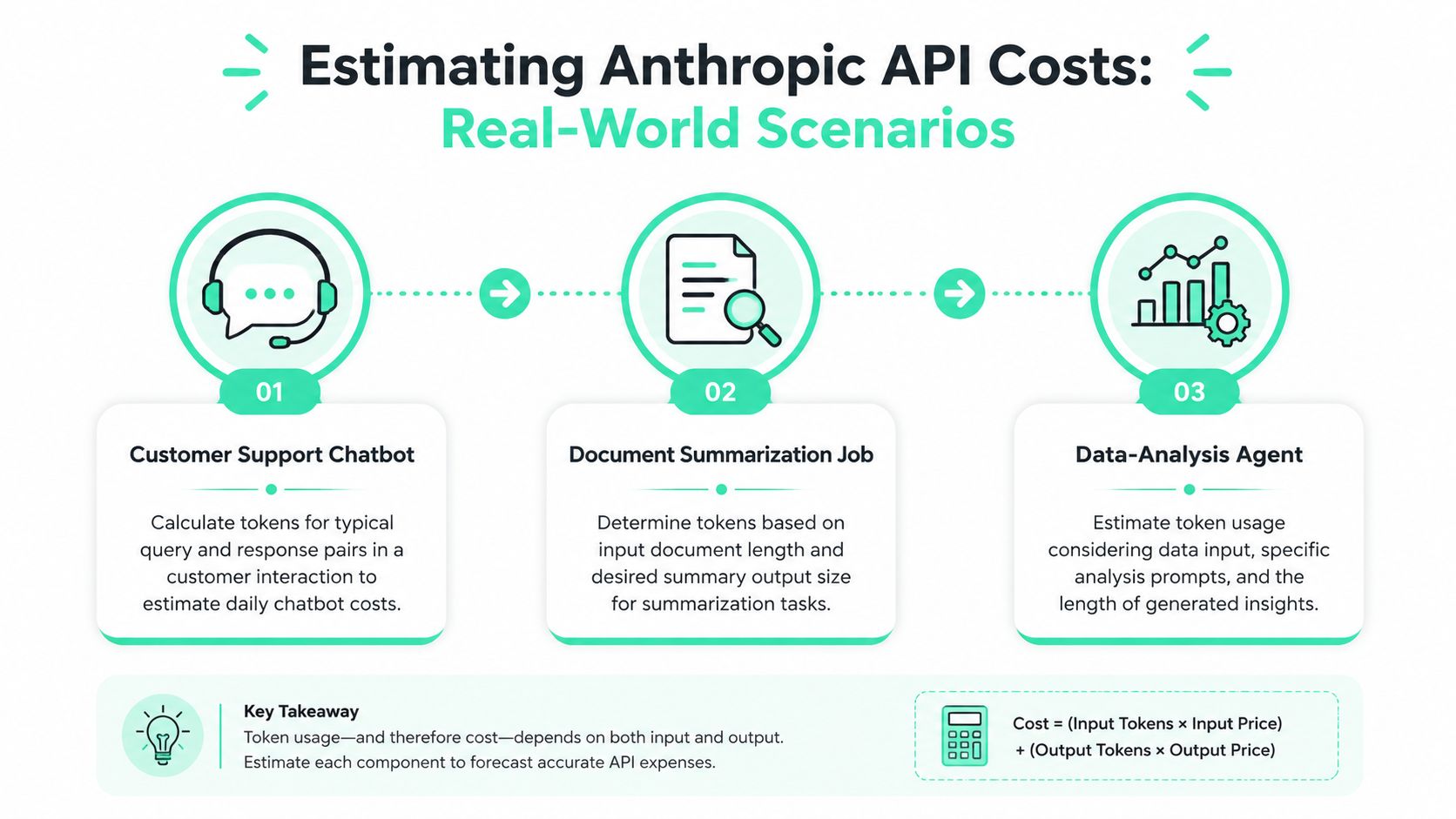
Examples are where pricing finally becomes usable. You don't need perfect forecasting. You need a repeatable way to estimate cost before a rollout and explain changes after one. The easiest method is to map each workflow to its main cost driver, then test whether batch or cache can help.
Example one customer support chatbot
A support chatbot usually has three recurring ingredients: a stable system prompt, a user message, and a response. That setup often makes prompt caching attractive because the instruction layer tends to stay consistent across many requests.
If your support assistant always includes the same refund policy, tone guide, and escalation rules, the repeated portion can become a candidate for cheaper cached input. That means money saved without shrinking the answer quality. It also saves operator time because fewer billing surprises need manual investigation later.
Useful questions for this pattern:
- Is the system prompt stable enough to reuse exactly?
- Are replies longer than they need to be?
- Can non-urgent support analysis run asynchronously?
Example two document summarization job
Summarization jobs usually flip the pattern. Input is large, output is controlled. That makes them strong candidates for batch processing when the summary doesn't need to appear instantly. A nightly queue of contracts, meeting transcripts, or support logs often fits this model well.
The clearest worked calculation in the verified pricing data uses Sonnet 4.6. For a workload processing 100M input tokens monthly with a 40% cache hit rate and 60% batch eligibility, effective cost drops from $300 base to $105 with caching only and to $52.50 when stacking both optimizations, as shown in Fast.io's Anthropic pricing guide. That's direct money saved. It also means less finance time spent reconciling why the bill didn't match the simple token estimate.
You can use that example as a planning template:
- Start with your base input cost.
- Estimate what share of input is repeatable.
- Identify what share of jobs can wait for async completion.
- Recalculate with cache and batch together.
For quick scenario testing, a tool like the SpendLens AI calculator can make this faster than doing the math by hand each time.
Example three data analysis agent
Data-analysis agents are often the hardest workload to price because they combine long context, tool chatter, iterative prompting, and output that can sprawl. A single task may look simple from the UI but produce multiple hidden model calls under the hood.
The example above thereby becomes more than an abstract pricing trick. If your agent reuses instructions or repeatedly includes the same analytical rubric, cache can help. If parts of the workflow run in the background, batch can help too. The difference isn't just bill reduction. It's planning confidence. Teams save time when they can forecast agent loops before enabling them broadly.
Repeated-context workflows reward discipline. Small prompt variations can erase cache value even when the request looks “mostly the same” to a human.
The practical takeaway from all three scenarios is simple. Don't estimate Anthropic API cost from request count alone. Estimate it from workflow shape, then test which pricing lever matches that shape.
Comparing Anthropic API Cost with Other Providers
Provider comparisons are useful, but they're easy to oversimplify. Sticker price doesn't tell the whole story. A cheaper model can still cost more in practice if it produces longer outputs, needs more retries, or doesn't fit your prompt pattern well.
Where Anthropic fits in a multi-provider stack
Anthropic often makes sense when teams care about strong general-purpose capability, especially for workflows like structured writing, coding assistance, and long-context analysis. OpenAI can offer lower-cost options in some tiers, especially for simple, high-volume tasks, which is why many engineering teams end up using more than one provider.
That means effective comparison usually happens by workload, not by brand loyalty. A company might keep one provider for basic classification and another for richer reasoning or document-heavy jobs. The money saved comes from splitting traffic intentionally instead of forcing every feature through one default model.
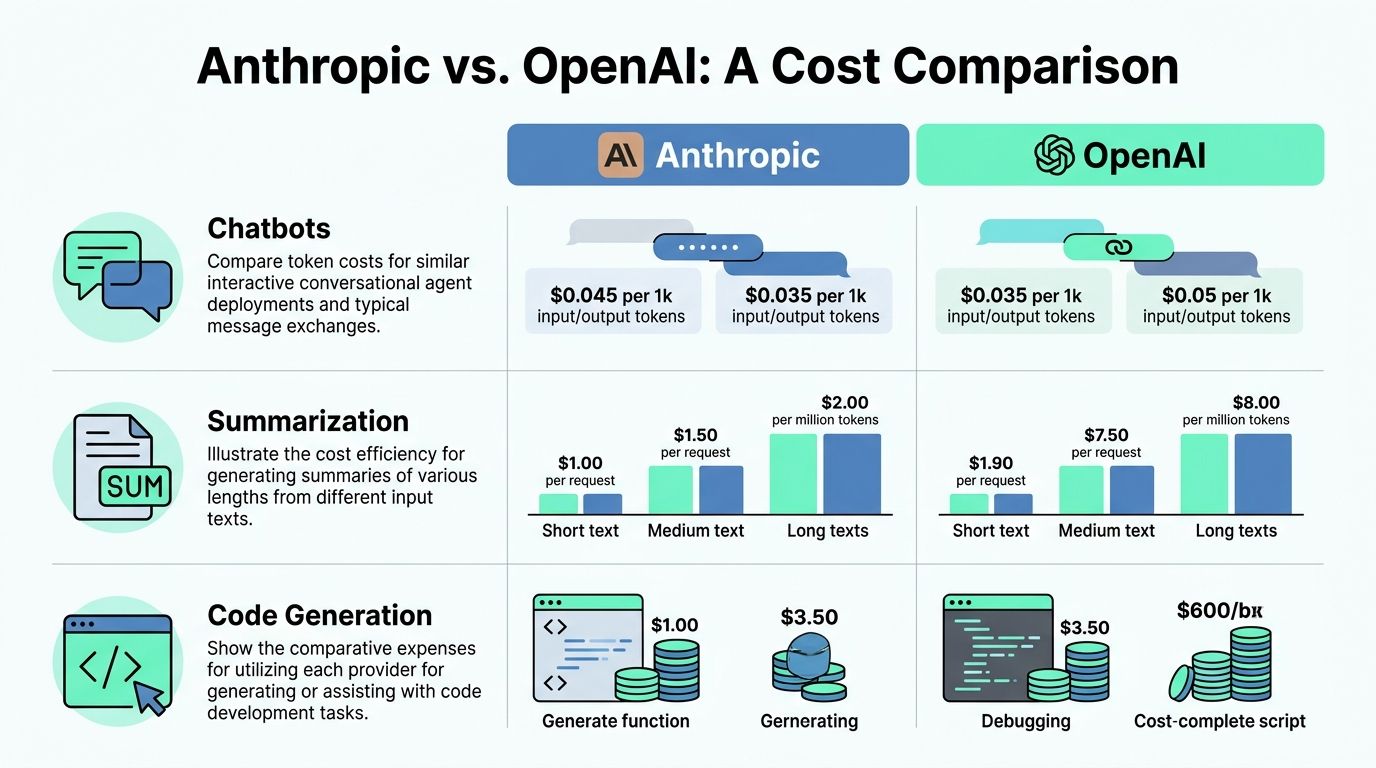
The clearest way to evaluate this is to compare representative workflows:
| Workflow | Key cost question | What to test |
|---|---|---|
| Chatbots | Do answers stay concise? | Output length and latency tolerance |
| Summarization | Can work run async? | Batch eligibility and input size |
| Code generation | Does the premium model add enough value? | Quality difference versus cheaper alternatives |
For a provider-level view of how pricing tradeoffs show up in product planning, the SpendLens AI pricing page is a useful reference point.
The hidden comparison inside Anthropic itself
One of the most overlooked cost comparisons isn't Anthropic versus another vendor. It's Anthropic standard mode versus Anthropic fast mode. Claude Opus 4 standard pricing is $5/$25 per million tokens, while fast mode rises to $10/$50, according to Amnic's pricing analysis. That's a major difference for teams running production volume.
For routine workloads like document parsing or standard chat interactions, paying the higher fast-mode rate may not deliver enough practical value to justify the spend. In plain terms, turning on more speed can easily wipe out the savings you worked hard to create with prompt trimming or batching.
If you compare providers but ignore mode selection inside the same provider, you can optimize the wrong thing.
So when you compare Anthropic API cost with other providers, make it a three-part exercise: compare providers, compare models, and compare operating modes. That's where the clearer savings decisions appear.
Actionable Cost Optimization and Monitoring with SpendLens AI
A common failure pattern looks like this: a support assistant ships on Friday, response quality improves, and Monday's usage graph is suddenly much steeper than expected. No one changed the published rate card. The spend changed because the system behavior changed. A prompt grew, fast mode became the default for one route, or a cacheable prefix stopped matching after a template edit. That connection makes monitoring an operational requirement, not just a nice-to-have.
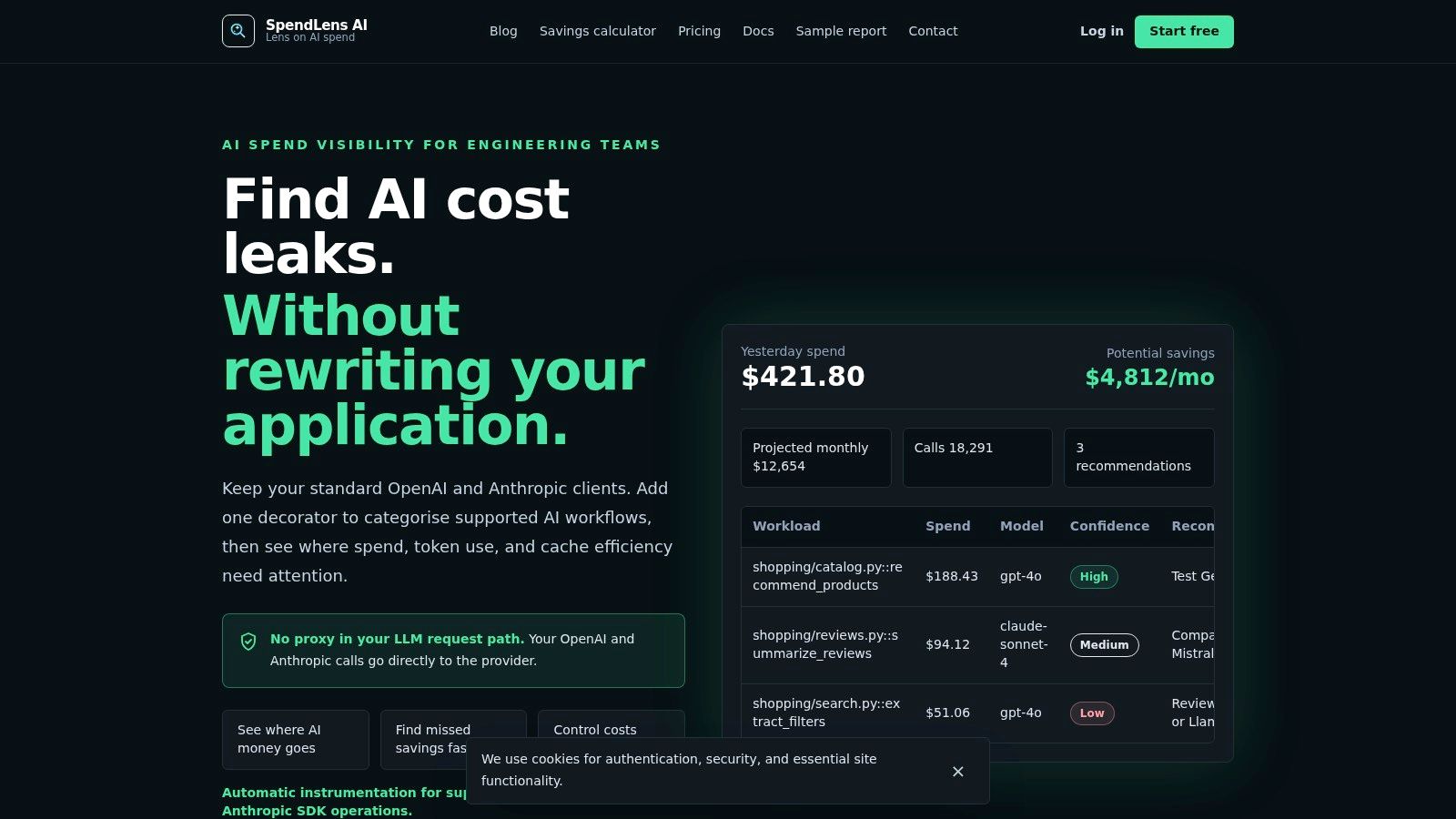
SpendLens AI is useful in exactly that situation because Anthropic costs usually drift through several small changes instead of one dramatic event. One team adds more retrieval context. Another team tests a larger model on a narrow path. An internal agent starts making one extra call inside a loop. If all of that traffic lands in one blended total, engineers have to investigate by guesswork. If traffic is tagged by workflow, model, environment, and release, the invoice starts to read like a trace instead of a mystery.
What to instrument first
Start with workflows that combine high volume and fuzzy cost intuition. Support chat is a good example because the request count is visible, but prompt growth, output growth, and retry behavior often are not. Multi-step agents are another strong starting point because one user action can hide several model calls behind the scenes.
A practical rollout order looks like this:
- Tag by feature: Keep support automation, document processing, coding assistants, and internal tools separate.
- Tag by model: Sonnet, Haiku, and Opus should stay visible as distinct cost buckets.
- Tag by environment: Staging noise and production traffic need different expectations.
- Tag by release: If spend shifts after deployment, you want the shortest path from spike to commit.
That setup does more than improve reporting. It gives engineers a way to test pricing levers that other guides often skip. You can see whether fast mode is concentrated in latency-sensitive paths or leaking into routine work. You can verify whether batch discounts are being used on async jobs. You can also spot whether cache savings are stacking with your prompt design, or disappearing because repeated context is no longer mechanically identical.
What to watch after deployment
The expensive changes are often quiet ones.
A longer system prompt can push requests into a larger context pattern. A formatting tweak can make outputs consistently longer. A single dynamic field inserted near the top of a prompt can break caching for every request after it. For teams using SpendLens AI, these show up as behavior changes tied to a feature or release, not as a vague monthly overage.
Three warning signs deserve regular review:
Output growth
Output tokens act like the metered time on a taxi. If replies become more detailed than the user needs, spend rises on every trip.Cache inefficiency
Prompt caching only helps when repeated sections remain exactly repeated. Small wording changes in a shared prefix can erase savings across a large volume of calls.Mode and execution path drift
Fast mode, immediate processing, and long-context requests should be deliberate choices. If an async summarization job skips batch, or a previously compact workflow starts carrying much more context, the unit cost changes before anyone notices it in the product.
That third category matters in real systems because pricing levers can stack in either direction. Batch and caching can work together to pull costs down. Fast mode plus larger context plus verbose outputs can push them up just as quickly. Good monitoring helps you separate the intentional premium paths from the accidental ones.
Turning visibility into savings
Once costs are attributed clearly, optimization becomes a series of engineering decisions instead of a budgeting debate.
A useful pattern is to review one workflow at a time and ask four questions. Does this path need the current model? Does it need the current speed setting? Can any part run asynchronously in batch? Which prompt sections should stay fixed so cache hits remain high? That sequence mirrors how experienced teams debug latency or reliability. You isolate the path, inspect the mechanics, and change the expensive part first.
Here are the actions that usually produce the fastest savings:
- Trim outputs where brevity is acceptable: Shorter answers reduce recurring token spend without changing the user-facing task.
- Move eligible jobs to batch: Background summarization, document enrichment, and offline analysis are often better fits for discounted async processing.
- Stabilize cacheable prompt sections: Keep reusable instructions and reference blocks identical whenever possible.
- Review fast mode usage carefully: Reserve higher-speed settings for routes where latency changes the product outcome.
- Right-size context and model choice by workflow: A large context window or premium model should earn its cost on that specific path.
A downloadable sample SpendLens AI cost and savings report shows the kind of workflow-level summary teams use for daily investigation and leadership review.
The practical lesson is simple. Anthropic API cost becomes easier to control when you monitor the hidden levers, not just the headline model price. Teams that track feature-level usage, mode selection, cache behavior, batch eligibility, and context growth can fix waste while the change is still fresh in the deployment history.
Conclusion and Next Steps
Anthropic pricing gets easier once you break it into parts: model tier, input, output, context behavior, operating mode, and optimization levers like batch and caching. The biggest mistakes usually come from treating every request as equivalent when they aren't.
The next move is practical. Estimate by workflow, not just by call count. Keep outputs as short as the user experience allows. Use batch for async jobs, caching for repeated context, and monitor agent credit behavior closely. When you make cost visible at the feature level, the invoice stops being a surprise and starts becoming something your team can tune.
If you want a simpler way to track Anthropic and OpenAI spend by workflow, model, and team, try SpendLens AI. It's built for engineers who want faster cost investigation, clearer attribution, and practical savings opportunities without changing their provider clients.